
Blog
Shredder Spec Mistakes That Cost Small Offices $1,800 a Year (And the 4 Parameters to Fix Them)

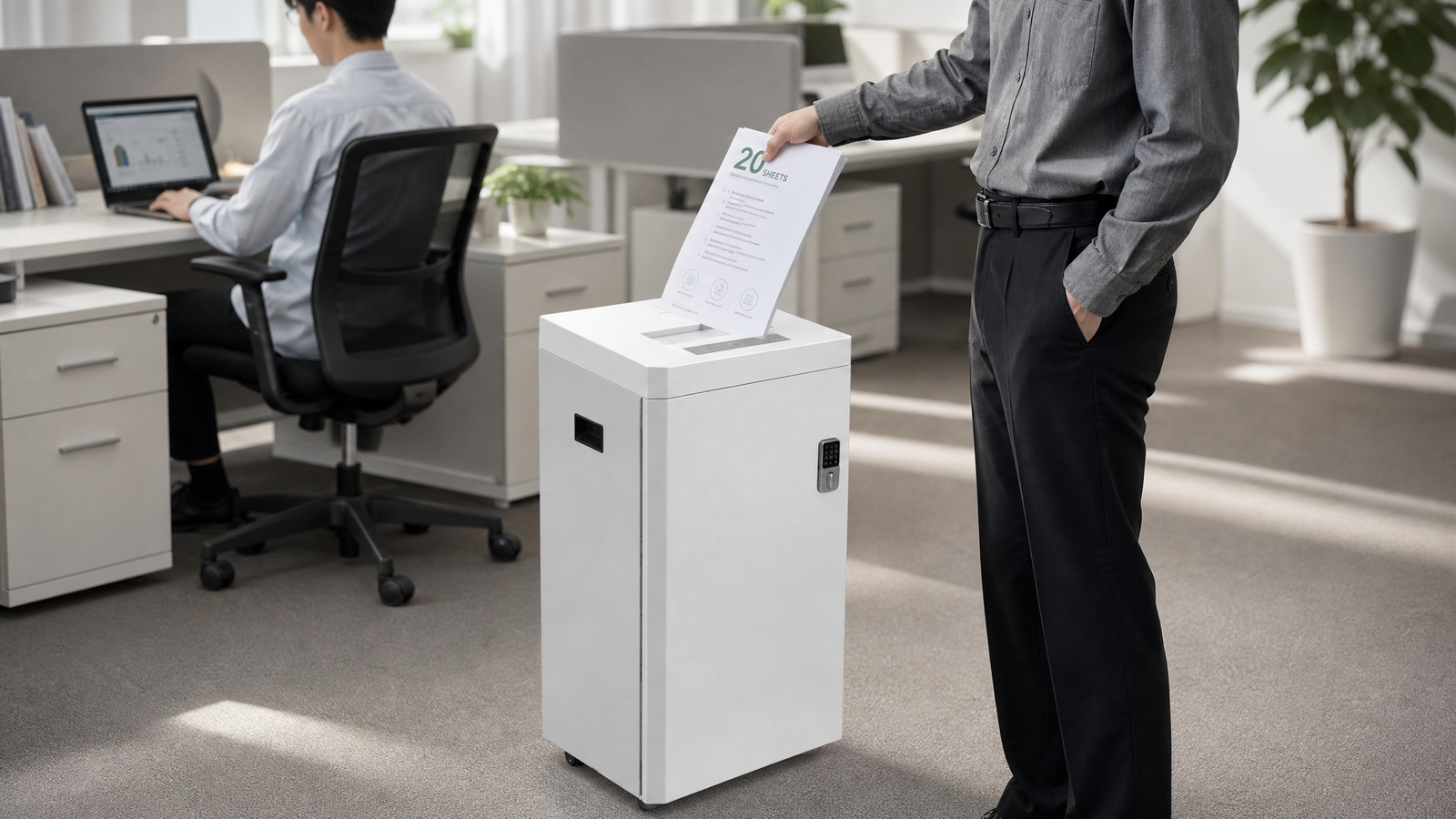
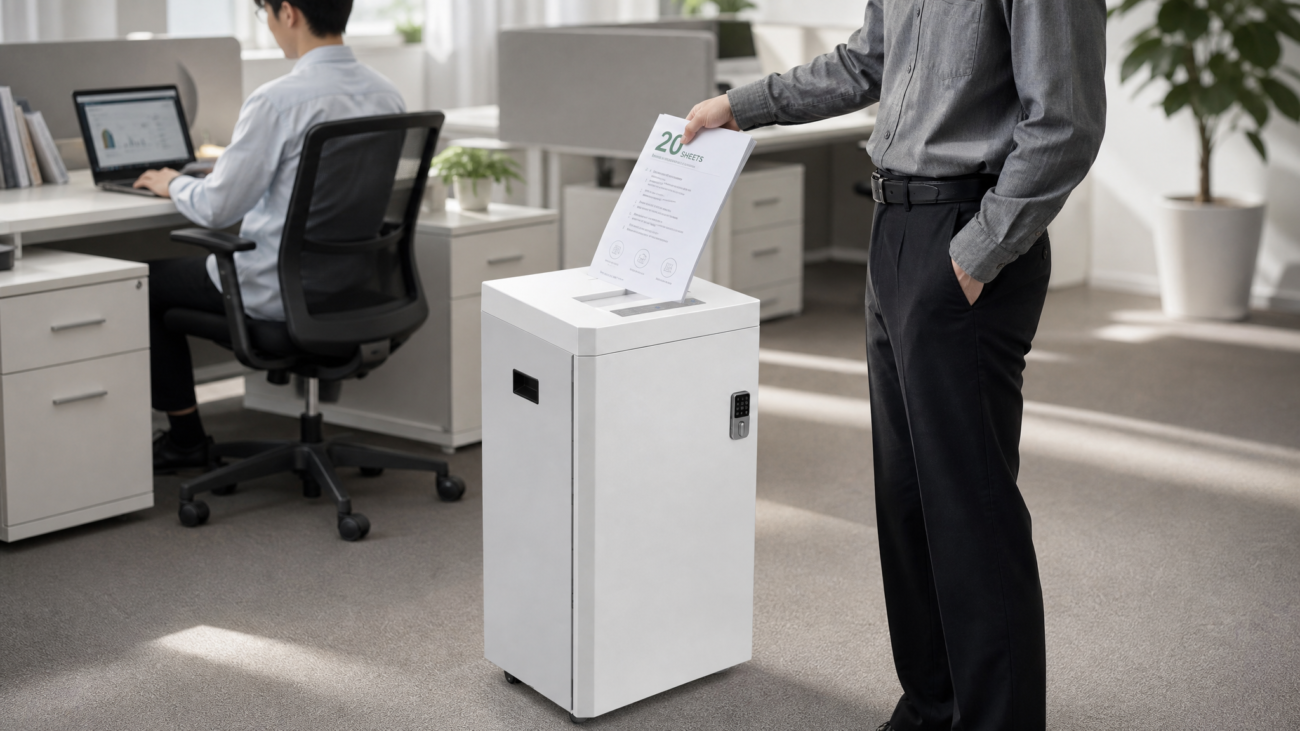
Your small office paper shredder is probably a home machine in disguise. Industry repair data shows that **62% of shredders in multi-person offices fail within 8 months** because buyers focus on price instead of duty cycle.
That mistake wastes an average of **$1,800 per year** on replacements, lost productivity, and jammed confidential files. Before you buy another small office paper shredder, learn the **4 key parameters** that separate a commercial-grade office machine from a household toy.
## Why Home Shredders Fail in a Multi-Person Office: Commercial Grade vs. Home Use
A $60 home shredder is rated for **2–5 minutes of continuous use** followed by a long cool-down. A small office with 5–10 employees often shreds **40–80 sheets per day** in short bursts. That duty cycle mismatch causes motor burnout, paper jams, and emergency replacement orders.
When you choose a small office paper shredder, you are not just buying a bigger bin. You are buying a **commercial-grade duty cycle** designed for multiple users and high-frequency use.
Reliable manufacturers typically label home machines as ‘personal’ or ‘household.’ Commercial shredders for small offices list **sheet capacity, run time, security level, and bin capacity** on the spec sheet.
Industry audits show that offices that switch to commercial-grade models cut shredder replacement costs by **35–50%** over three years. To avoid costly chargebacks and data breaches, do not buy a shredder based on price alone.
### The Hidden Cost of Jams in Shared Workflows
Home shredders jam when three people feed them back-to-back. Each jam steals **5–15 minutes** of admin time and exposes sensitive sheets in the open feed slot. A small office paper shredder with **jam-resistant reverse motors** and a higher sheet capacity eliminates most of this risk.
## Parameter #1: Sheet Capacity — The True Throughput Metric
Sheet capacity is not just marketing. It tells you how many sheets the motor can shred in one pass without stalling.
A home shredder handles **6–10 sheets per pass**, while a small office paper shredder should handle **18–24 sheets per pass**. More sheets per pass means fewer feed cycles, less motor stress, and faster document disposal for multiple employees.
Many buyers assume all office paper shredders handle credit cards and staples. That is false.
Check whether the cutting head is rated for **staples, paper clips, credit cards, and CDs**. If your team shreds mail with staples, choose a model with a **hardened steel cutting head**.
### How to Read Sheet Capacity Like a Buyer
– **6–10 sheets:** Home or personal use only.
– **12–16 sheets:** Light shared use in a 2–4 person office.
– **18–24 sheets:** True small office paper shredder range for multi-person daily use.
– **30+ sheets:** Heavy department or floor-level use.
## Parameter #2: Run Time and Duty Cycle — The Spec That Decides Motor Life
Run time is the most ignored spec in shredder buying. A motor rated for **3 minutes on / 30 minutes off** cannot survive an office where four employees shred in sequence. A commercial-grade small office paper shredder should offer at least **20–30 minutes of continuous run time** or an explicit **continuous duty** rating.
Industry audits show that **most office shredder failures are thermal overloads**, not dull blades. When a home motor overheats, the shredder shuts down for 30–60 minutes.
In a busy month-end or tax season, that shutdown creates a document backlog. To avoid costly chargebacks and data-privacy fines, match the run time to your busiest shredding hour, not your average day.
### Duty Cycle Benchmarks for Small Offices
– **2–5 min on / 30 min off:** Home use; never buy for an office.
– **10–15 min on / 20 min off:** Light office use with 1–3 users.
– **20–30 min on / 15 min off:** Recommended small office paper shredder range.
– **Continuous duty:** Best for finance, HR, legal, or 10+ employee teams.
## Parameter #3: Security Level (P-4 vs P-5) — Protecting Payroll, HR, and Client Data
Security level determines particle size. A strip-cut shredder leaves readable account numbers and employee Social Security numbers.
A cross-cut P-4 shredder reduces one A4 sheet into **400+ particles**, while P-5 turns it into **2,000+ micro-cut particles**. For a small office paper shredder handling payroll, HR files, and client contracts, **P-4 is the minimum standard**.
Counter-intuitively, higher security does not always mean better value. P-5 and P-6 machines shred fewer sheets per pass and require more frequent oiling. Unless your office handles medical records, financial account data, or government documents, **P-4 cross-cut is the sweet spot** for cost and security.
### Match Security Level to Your Document Type
– **P-2 strip-cut:** Obsolete for offices with personal data.
– **P-3 cross-cut:** Acceptable for general non-sensitive paper.
– **P-4 cross-cut:** Recommended for most small offices and client data.
– **P-5 micro-cut:** Use for HR, payroll, legal, and medical documents.
– **P-6+ high-security:** Government, defense, or strict compliance needs.
## Parameter #4: Bin Size and Noise — The Hidden Productivity Numbers
Bin size controls how often someone stops to empty shredded paper. A home shredder has a **3–5 gallon bin** that fills after 30–50 sheets.
A small office paper shredder needs a **7–15 gallon bin** to handle multiple users without turning your office manager into a trash-hauling role. Less emptying means fewer interruptions and fewer paper spills.
Noise is the second hidden spec. Home shredders often run at **70–80 dB**, which disrupts phone calls and open-plan work.
Commercial-grade small office paper shredders with brushless motors typically run at **55–65 dB** — roughly the level of normal conversation. For multi-person offices, choose a model under **65 dB** to protect concentration.
### The 60-Second Spec Check
Before buying, confirm these four numbers:
– **18–24 sheets per pass**
– **20–30 minutes continuous run time**
– **P-4 cross-cut security**
– **7–15 gallon bin, under 65 dB**
## How to Buy a Small Office Paper Shredder Without Overpaying: A 4-Step Audit
Use this audit before you compare models. It prevents the most expensive buying mistake: paying commercial prices for home-grade parts or buying more security than a small office needs.
### Step 1: Estimate Peak Daily Shred Volume
Count the pages your team shreds during the busiest day of the month, not a slow Tuesday. Multiply that number by 1.5 to allow for seasonal spikes. If the total is under 100 sheets, a **12–16 sheet shredder** may work. If it exceeds 150 sheets, you need a true commercial-grade small office paper shredder.
### Step 2: Map Your Users and Data Types
List every person who will feed the machine. If more than three people share it, demand a **20+ minute run time**. Then list the sensitive data types: payroll, client contracts, employee files. If any contain personal identifiers, do not buy below **P-4 cross-cut**.
### Step 3: Reject Home-Grade Specs
Skip any model that lists **’2 minutes on / 30 minutes off’** or a **5-gallon bin** unless you are buying for one person. Reliable manufacturers clearly publish duty cycle, and they do not hide it in a downloadable PDF. To avoid costly chargebacks, always verify the run time and sheet capacity from the manufacturer spec sheet, not the marketplace title.
### Step 4: Compare Total Cost of Ownership, Not Sticker Price
A $90 home shredder replaced every 9 months costs **$360 over 3 years**, plus lost admin time and risk. A $350 commercial-grade small office paper shredder with a 3-year warranty costs less per user per year. Calculate **price ÷ warranty years ÷ users** to get the real number.
## Conclusion: The 3 Takeaways That Save $1,800 a Year
Your next small office paper shredder should pass a simple test: commercial-grade duty cycle, not a bigger home machine. Here are the three non-negotiables:
– **Buy 18–24 sheet capacity and 20–30 minutes run time** for multi-person daily use.
– **Never go below P-4 cross-cut** if you handle payroll, HR, or client data.
– **Choose a 7–15 gallon bin under 65 dB** to reduce interruptions and noise.
Use this 4-parameter checklist to audit any small office paper shredder before you buy. If a supplier cannot state run time, sheet capacity, security level, and bin size in writing, walk away. That single habit is how smart office managers avoid the **$1,800 shredder trap**.
—
## 📚 Related Resources
– Commercial vs. home shredder duty cycle explained → /shredder-duty-cycle-commercial-vs-home
– P-4 vs P-5 shredder security levels: which one do you need? → /shredder-security-levels-p4-vs-p5
– How to oil and maintain your office paper shredder → /office-paper-shredder-maintenance-oiling
– Total cost of ownership: home shredder vs commercial shredder → /shredder-total-cost-of-ownership
—
## ❓ Frequently Asked Questions
**Q: What is the difference between a home shredder and a small office paper shredder?**
**A:** A home shredder typically runs 2–5 minutes on / 30 minutes off and handles 6–10 sheets per pass. A small office paper shredder should handle 18–24 sheets, run 20–30 minutes continuously, and include a larger bin plus stronger motor for multiple users.
**Q: What security level is best for a small office?**
**A:** P-4 cross-cut is the minimum recommended for most small offices. It turns one A4 sheet into 400+ particles and protects payroll, HR, and client data. Choose P-5 micro-cut if you handle financial, legal, or medical records.
**Q: How many sheets per pass do I need for 5–10 employees?**
**A:** Look for 18–24 sheets per pass. This reduces the number of feeding cycles, lowers motor strain, and clears shared shredding tasks faster than a 6–10 sheet home machine.
**Q: Is a continuous-duty shredder worth the extra cost?**
**A:** Yes, if more than three people use the machine. Continuous-duty or 20–30 minute run times prevent thermal shutdowns during month-end, tax season, and busy HR periods, which reduces replacement costs.
**Q: How often should I oil a small office paper shredder?**
**A:** Oil the cutting head after every 30 minutes of continuous use or when the bin is emptied. Use official shredder oil sheets or lubricant recommended by the manufacturer to maintain sheet capacity and reduce jams.


